Download
Choose your platform.
ENCI Free is a complete file manager, free forever — no trial timer, no countdown.
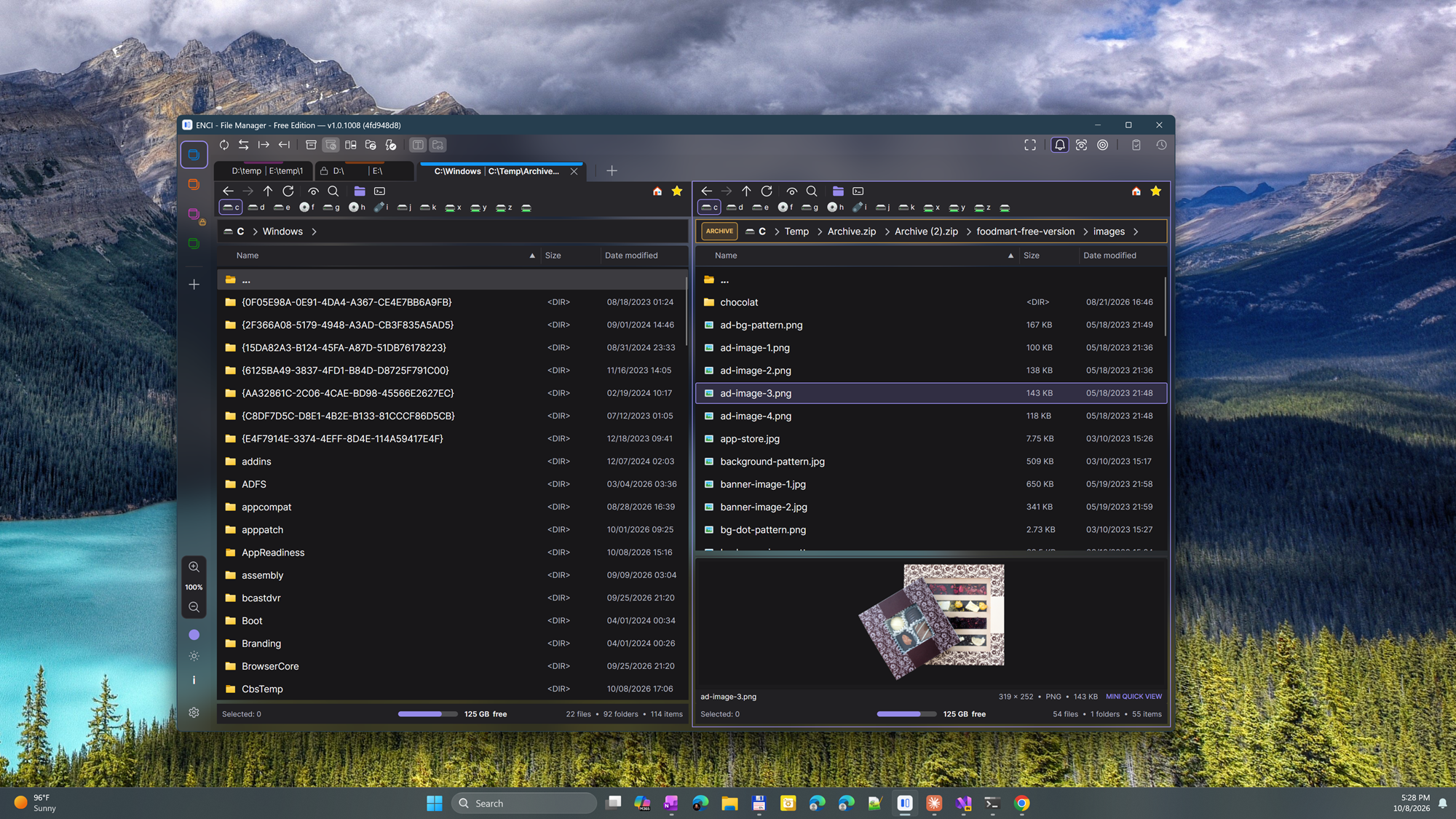
Windows
ENCI for Windows is available from the Microsoft Store, which installs it and keeps it up to date automatically. Requires Windows 10 version 2004 or later, or Windows 11 (64-bit).
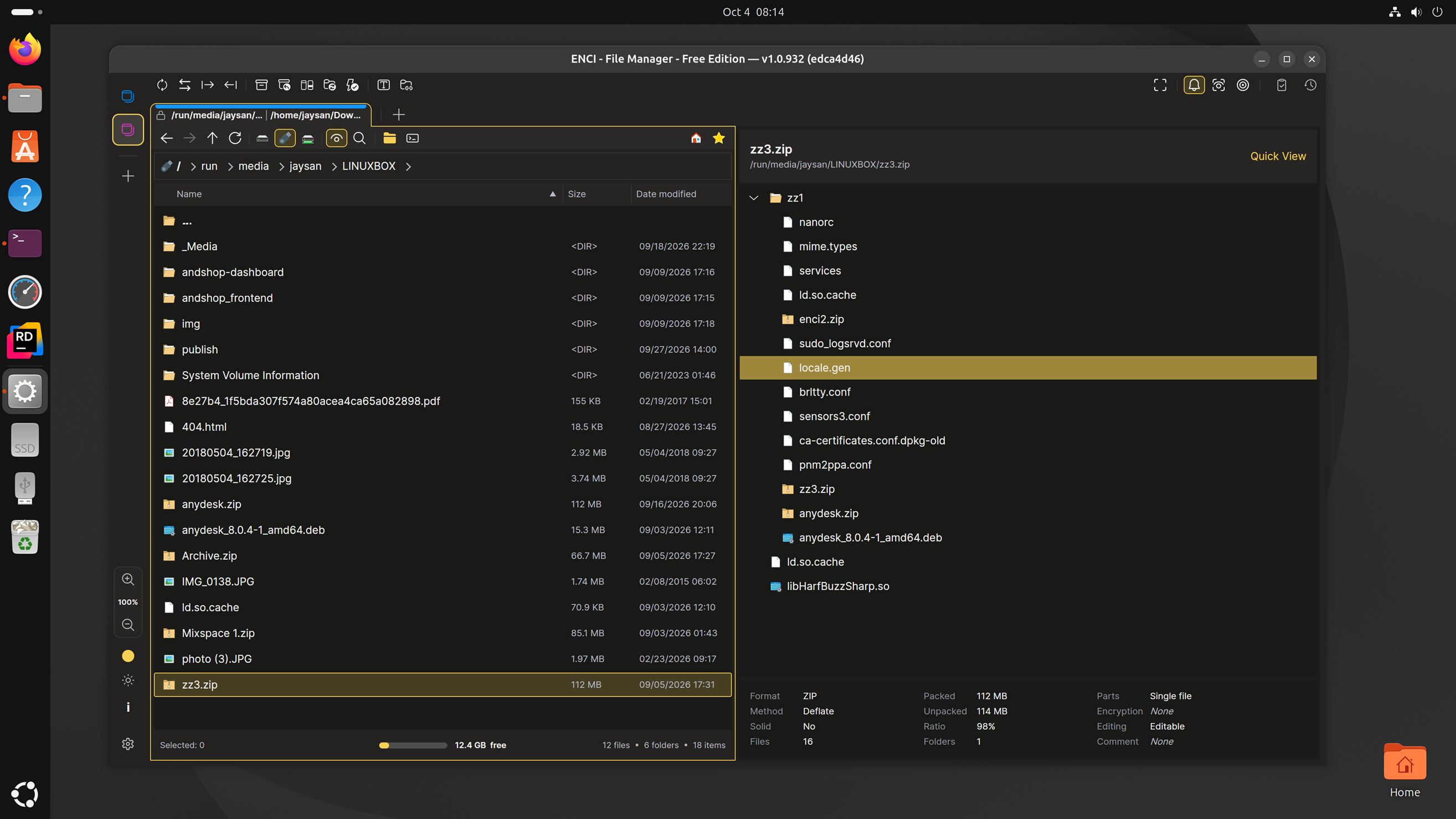
Linux
Install
In the folder you downloaded it to, run:
sudo apt install ./enci_1.0.1099_amd64.debThis also installs VLC, which ENCI uses to preview audio and video. Then start ENCI from your apps menu, or run enci.
You can also double-click the file to install it with Ubuntu's App Center. It will say Unknown publisher and Potentially unsafe: App Center shows this for every app installed from a downloaded file rather than from Ubuntu's own sources, not just ENCI. Click Install to continue, or use the command above.
Update
Run the same command with the newer file. It replaces the installed version and keeps your settings.
Uninstall
sudo apt remove enciOther distributions
Unpack the .tar.gz and run ./ENCI from the unpacked folder. For audio and video
preview, install your distribution's VLC (libvlc) package.
Requires 64-bit (x86_64) Linux.
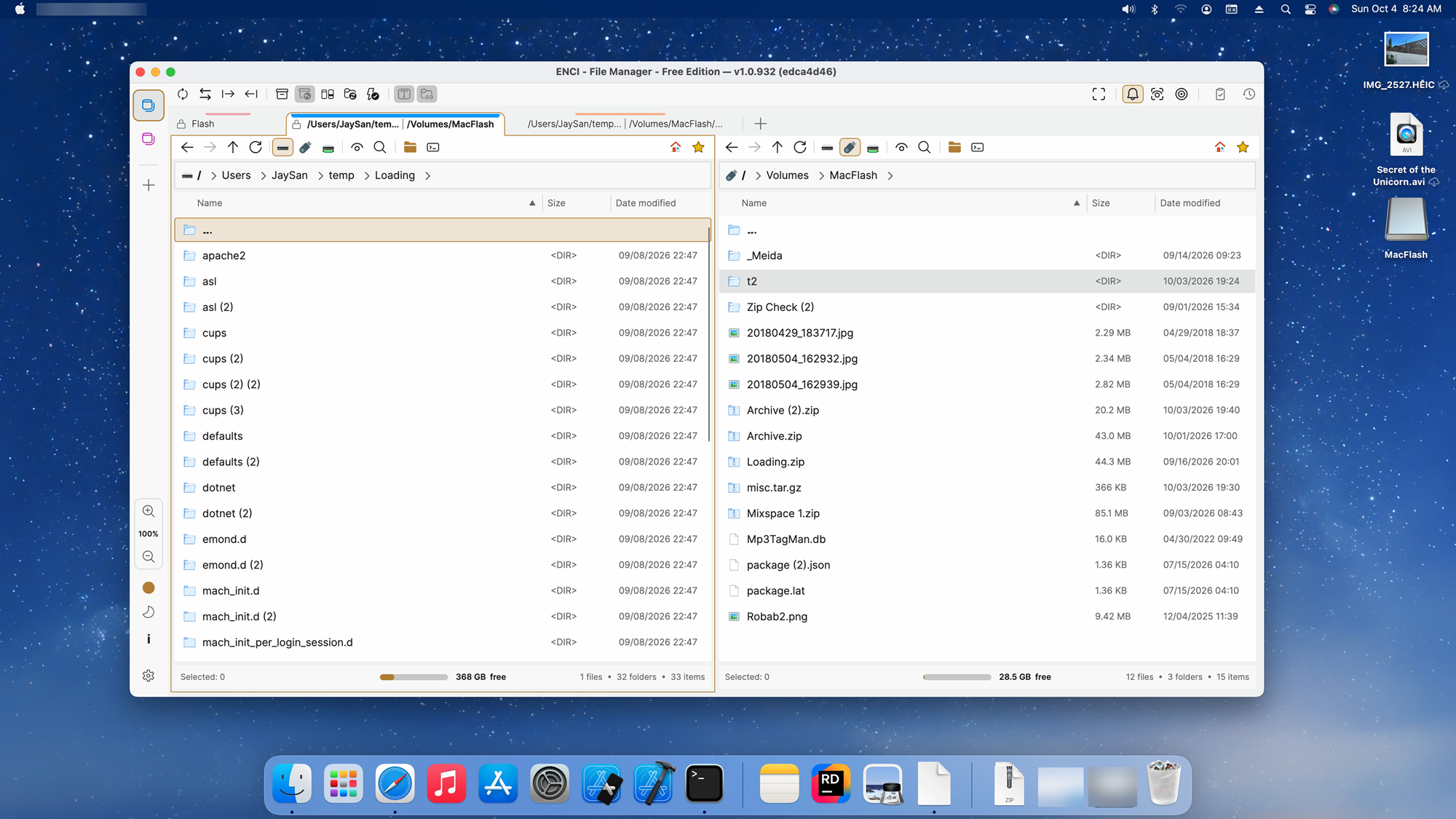
macOS
Install
Open the disk image and drag ENCI into your Applications folder.
- Apple Silicon Macs: the first time you open ENCI, macOS offers to install Rosetta 2. Accept it.
- Permissions: macOS asks whether ENCI may access removable drives and your Desktop, Documents and Downloads folders. Allow them so ENCI can show those files. You can change this later in System Settings → Privacy & Security → Files and Folders.
- Audio and video preview: install VLC from
videolan.org, or run
brew install --cask vlc.
Update
Quit ENCI, open the new disk image, drag ENCI into Applications and choose Replace. Your settings are kept.
Uninstall
Drag ENCI from Applications to the Trash.
Requires macOS 12 or later.
Your settings
ENCI keeps your settings separately from the app, so they survive updates and uninstalling. To start
fresh, delete the settings folder: ~/.config/ENCI on Linux,
~/Library/Application Support/ENCI on macOS, or %APPDATA%\ENCI on Windows.
Checking a download
To make sure a file arrived intact, compare its SHA-256 checksum with the one shown above:
sha256sum <file> on Linux, shasum -a 256 <file> on macOS.